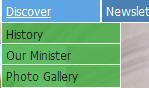
The object of this tutorial is to explain to new users how to use the new navigation bar of this website. One premise is that obtaining information and data with a computer is that it should be a pleasure as well as informative.
Many experts believe that most users generally have an objective in mind. From the homepage they click on a promising link, and if the object is not immediately apparent, they hit the return button. Although some may burrow further until the object of their affections is found, most do not. For this reason the opening page may have a myriad of links that can be intimidating and difficult to decipher.
To keep our page neat and clean we use drop-down menus that contain links to other pages. This allows us to provide access to more information and not clutterup the homepage.
The navigation bar is just below the banner and is shown below.
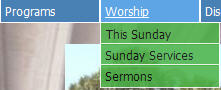
When you move the cursor over any of the buttons, above, a menu "drops down" and displays the links associated with that subject, e.g., Worship.
 .
.
Worship has three links: "This Sunday", "Sunday Services", and "Sermons". If you move the cursor down and click on any one of these, it opens a new page with pertinent information. For example, next Sunday is the 20th of February, move and click on that link and the following page is displayed.
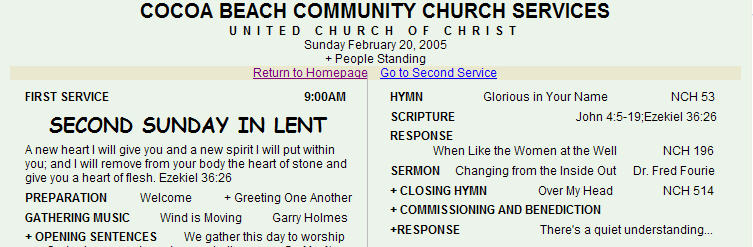
Only a portion of the page is shown for obvious reasons.
The drop-down menu can have multiple levels. For example, the Programs has two levels, as shown here.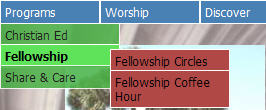 Notice that Fellowship has two links: "Fellowship Circles and Fellowship Coffee Time".
If the user does not immediately know where a link is located, he/she can pass the cursor over each link, pause for a moment to see what is available, then proceed to the next until the link is found. To wit: